|
Windows software image transfer |
||
|
Configure the installation |
On the same LAN, no installation of green software is required |
|
|
System types are supported |
Windows 7/8/10 |
|
|
resolution |
3840*2160、1920*1200、1920*1080、1366*768、1360*768、1280*800、1280*720、1024*768 |
|
|
Frame rate |
Audio and video 30~60 frames |
|
|
Overall latency |
90~180ms |
|
|
Display mode |
Extended desktops are supported |
|
|
Touch the counter-control |
Mouse mode callbacks are supported |
|
|
Number of connections |
128 Road |
|
|
The maximum number of simultaneous display channels |
Four screens |
|
|
Meeting mode |
Moderator mode |
The host can touch the screen list to select a specific PC to transfer the screen |
|
Participant mode |
When the current non-host transfers the screen, whoever presses the screen
transfer button will get the control of the screen |
|
|
Connect to the Internet |
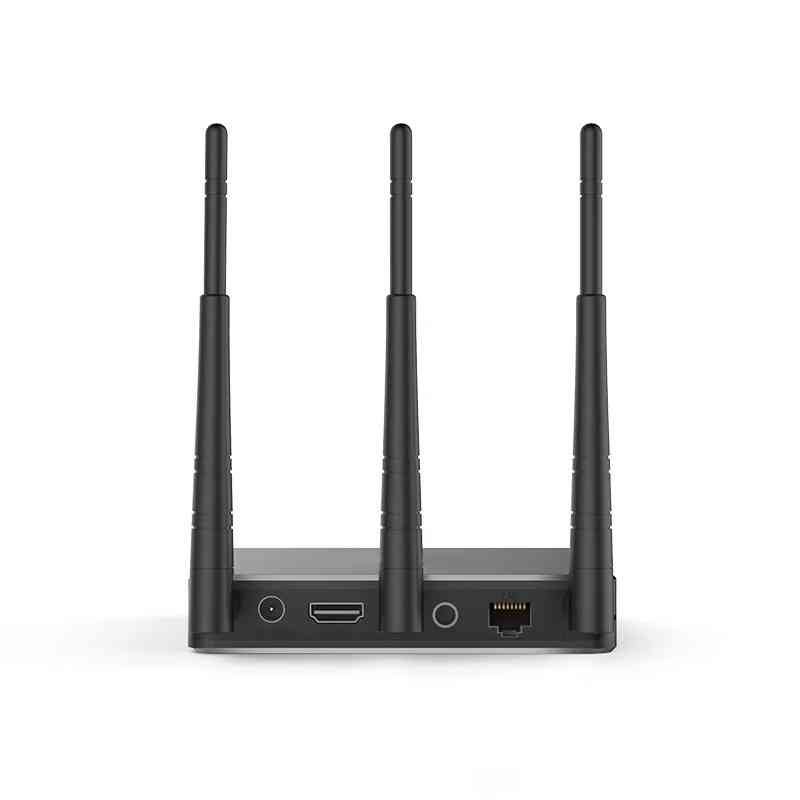
1. Box RJ45 connection network, computer wifi or wired connection network |
|
 :Building 3, Baizhong Creative Park, No. 240 Shilian Road, Panyu District, Guangzhou,Guangdong,China
 :+86 13928186280(Same WeChat/Whatsapp account)
 :+86 20-34702140